

How to Set Up Toyota Audio Multimedia® in Your New Toyota Car
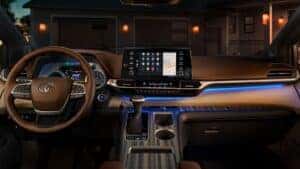
There’s no denying that new Toyota vehicles are cutting-edge. The Toyota Audio Multimedia® system is an easy-to-use interface that connects you to everything you need. Casey Toyota is taking you through the simple steps to set yours up.
Register Your Vehicle
Before you begin, we recommend registering your vehicle. This can quickly be completed in the Toyota app, which has a simple form to fill out. Then, you’ll get an email asking you to verify your registration.
Pair Your Device
Next, you need to pair your smartphone to your system. To complete this process:
- Make sure that Bluetooth® is enabled on your phone
- Navigate to “Bluetooth” on your touchscreen and select “Add New Device”
- Find your device and select it
- Check to ensure the PIN on your touchscreen and phone match
- If they match, select “Pair”
- Choose whether or not you want to enable notifications
Set Up Additional Features
Several other features are available with the Toyota Audio Multimedia system. You’ll need to set up Apple CarPlay® and Android Auto™ integration if equipped. Select models also include Amazon Alexa®, as well as Connected Services, including Safety Connect, Remote Connect, Service Connect, Wi-Fi® Connect, and Destination Assist. These services vary between vehicles, so it’s essential to review your owner’s manual to see your specific vehicle’s capabilities or chat with our team about your vehicle’s features.
Explore Our New Toyota Inventory in Williamsburg, VA
If you want to learn more about the Toyota Audio Multimedia system or just want to see it in action, stop in! Our team is happy to help you set up your system or explore our new models to help you upgrade to one of your own. Visit Casey Toyota to get started today!
0 comment(s) so far on How to Set Up Toyota Audio Multimedia® in Your New Toyota Car